

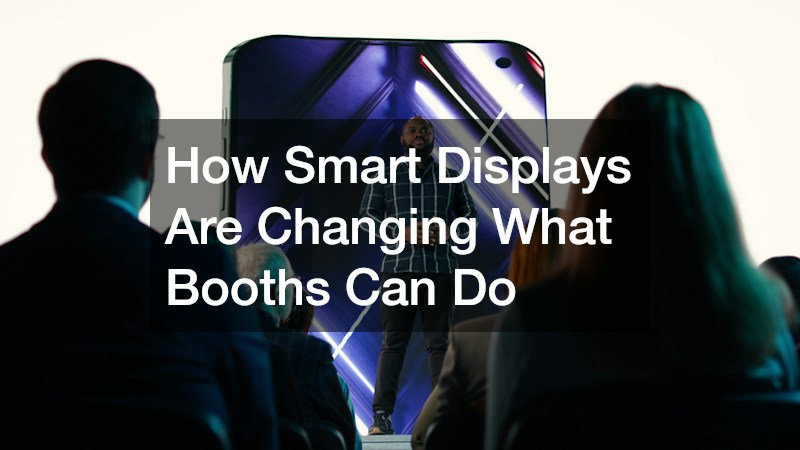
Walking a trade show floor today feels different than it did even five years ago. Booths that once relied on printed banners and tri-fold brochures now greet visitors with video walls, touch-responsive screens, and interactive product demos. If you are planning an exhibit and trying to figure out what actually works, understanding how smart displays function can help you make a smarter investment.
This guide breaks down what these technologies do, why they matter, and how to use them without overwhelming your visitors.
Touchscreens That Let Visitors Explore Products Themselves
Touchscreen kiosks have become one of the most common upgrades at modern exhibits because they let attendees control their own experience. Instead of waiting for a staff member to walk through a catalog, a visitor can tap through product specs, watch a demo video, or compare options at their own pace. This self-directed browsing tends to keep people at a booth longer, which increases the chance of a meaningful conversation with staff.
These screens also collect useful data in the background, such as which products get the most taps or how long someone spends on a particular screen. That information can help a team refine their pitch between show days or even mid-conversation. The key is designing simple, intuitive menus so visitors are not confused about where to tap next.
- Product catalogs that update instantly without reprinting materials
- Comparison charts visitors can customize based on their needs
- Video demos that play on loop or on demand
- Lead capture forms built directly into the touch interface
Video Walls That Grab Attention From a Distance
A large video wall does something static signage cannot: it moves, and movement catches the eye across a crowded hall. Bright, dynamic content pulls people in from twenty or thirty feet away, which matters when a booth is competing against dozens of neighbors for the same foot traffic. Many exhibitors now use video walls to loop short brand stories, product highlights, or customer testimonials in under sixty seconds each.
The technical side matters more than people expect. Screen resolution, brightness, and viewing angle all affect how the display reads under convention center lighting, which is usually harsher and more inconsistent than a typical office or showroom. A wall that looks crisp in a design mockup can appear washed out or pixelated under fluorescent lights if these factors are not considered ahead of time.
- Modular panels that can be reconfigured for different booth sizes
- Content loops timed to match average visitor dwell time
- Brightness settings adjusted for indoor convention lighting
- Sound zones that keep audio contained to the booth area
Sensors and Motion Tracking That Personalize the Experience
Some of the more advanced setups now use sensors to detect when someone approaches a display and adjust the content automatically. A screen might switch from a general brand loop to a specific product demo the moment someone stands in front of it, or trigger a greeting when motion is detected nearby. This creates a sense that the booth is responding to the visitor rather than just broadcasting at them.
This kind of personalization does not need to be complicated to be effective. Even simple proximity triggers, like a screen brightening or changing content when someone walks within a few feet, can make an exhibit feel more engaging without requiring extra staff. The technology works best when paired with a clear next step, such as a prompt to scan a code or speak with a team member nearby.
- Proximity sensors that trigger content changes automatically
- Facial recognition tools used for anonymous engagement analytics
- Motion-activated audio that avoids constant background noise
- Heat mapping to show which zones of a booth get the most traffic
Data Dashboards That Show What Is Actually Working
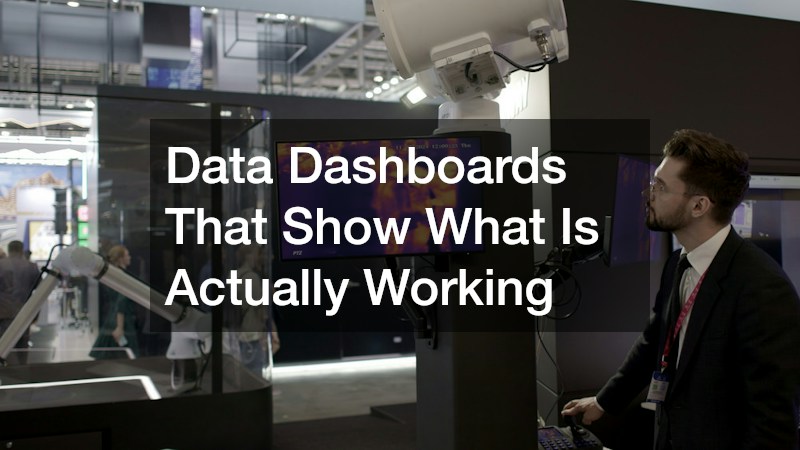
One of the most practical benefits of smart displays is the reporting they generate after the show ends. Instead of relying on a gut feeling about which day went well, teams can pull dashboards showing screen engagement, tap-through rates, and even how long specific videos held attention. This turns an exhibit from a one-time expense into a source of ongoing insight for future events.
These dashboards also help justify budget decisions to stakeholders who were not on site. Showing a chart of engagement numbers is far more persuasive than a verbal summary, and it gives a clear baseline to compare against the next show. Many exhibitors now request this kind of reporting as a standard part of their post-show wrap-up rather than an optional add-on.
- Session length and repeat visitor tracking
- Content performance broken down by time of day
- Lead capture totals tied directly to specific screens
- Exportable reports for comparing multiple show locations
Choosing the Right Technology for Your Booth Layout
Not every exhibit needs every type of smart display, and adding too much technology can actually work against a team’s goals by overwhelming visitors or straining the budget. A ten-by-ten booth has very different needs than a fifty-by-fifty island space, both in terms of screen size and the number of interactive stations that make sense. Working with a custom trade show booth company early in the planning process helps match the technology to the actual footprint and goals rather than bolting on gadgets after the design is finalized.
Budget also plays a bigger role than most first-time exhibitors expect, since screens, mounting hardware, content development, and on-site support all add up quickly. A good partner will walk through which investments tend to pay off fastest, such as a single well-placed touchscreen instead of five smaller ones spread thin across a space. Getting this guidance before ordering equipment saves both money and last-minute stress once the show dates approach.
- Booth size and traffic flow patterns
- Number of products or messages that need screen time
- Staff availability to guide visitors through interactive elements
- Budget for content creation, not just hardware rental
Conclusion
Smart displays have genuinely changed what a booth can accomplish, turning passive signage into something visitors actively want to engage with. The technology works best when it matches the space, the audience, and the message rather than being added just because it looks impressive. As you plan your next exhibit, start by identifying the one or two goals you want a display to support, then build the technology choices around those goals rather than the other way around.
